manual
timing console
B
A
general semantic
1
mode identity (3-axis)
1.1. icon shape
the shape marks the active mode independent of color. it stays readable in any state.
1.2. color
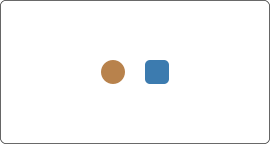
color mirrors the mode state for fast recognition. it is secondary to shape but faster to scan.
1.3. badge letter
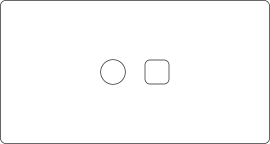
the letter is the mode label taken from your profile name. it is the smallest but most specific identifier.
2
pos and ext states
2.1. post state
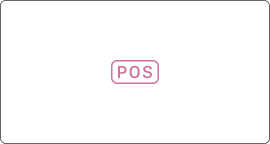
pos marks an overrun (post) state when the timer passes its target. it replaces the normal status readout.
2.2. extended state
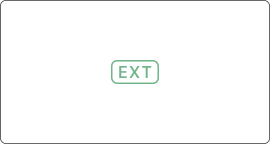
ext marks an extension state when time is added by rule. it layers on top of the base mode without changing it.
B
timing console
3
primary display
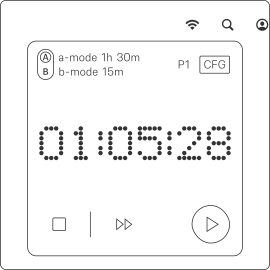
3.1. label and duration
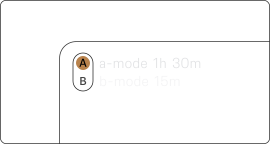
shows the active mode label with its programmed cycle length. used as the primary context line for the session.
3.2. time readout
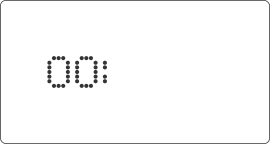
displays the live interval in hh:mm:ss. layout scales to keep legibility across panel states.
3.3. profile indicator
shows the active profile slot. changing profiles swaps all mode names and timings.
3.4. cfg control
opens configuration without stopping the timer. used for quick access to settings.
3.5. play / pause
reflects run state of the timer. changes instantly on input.
4
operational badges
4.1. post
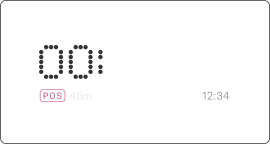
marks overrun state and overrides normal badge semantics. label switches to pos and the adjacent time in grey shows when the overrun began.
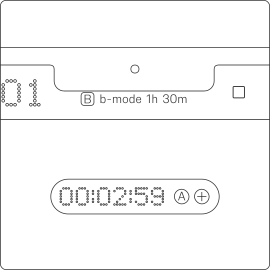
4.2. extended
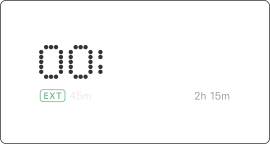
marks extension state while preserving the base mode. add overlays ext standard status and total in grey shows the planned session length for reference.
4.3. reminder
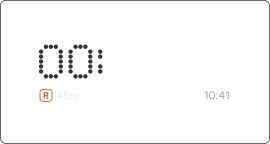
marks reminder state in the status row under the timer digits. rem shows the remaining reminder countdown and can be tapped to cancel; the grey value on the right shows the trigger time, and when ext / pos is active that right slot switches to rem countdown.
5
interactions
5.1. play / pause
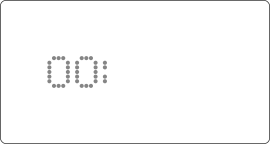
toggles run state from the main display. does not change the current mode.
5.2. set reminder
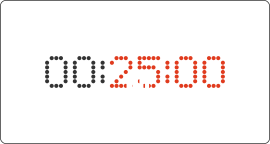
dragging the digits sets a reminder duration. release commits the reminder.
5.3. next mode
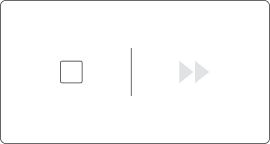
tap the next‑mode label to switch immediately. tap the stop label to reset and stop the current mode.
5.4. bonus mode control
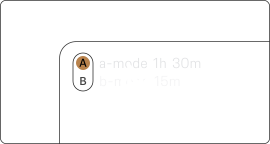
click the inactive mode to switch. long‑press on the current mode shows a bonus mode view in place.
C
floater
6
control shell
6.1. large
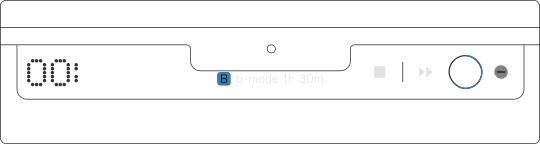
full control layout with timer, mode label, and transport controls visible. optimized for active use and distance viewing, keeping time and status legible at a glance.
6.2. pill
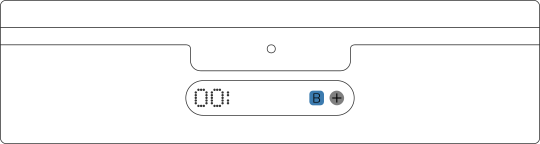
compact layout that keeps the time readout and core status only. used for passive monitoring with minimal controls while preserving mode context.
6.3. slim
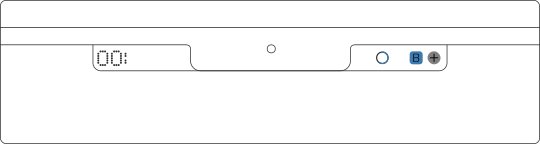
minimal layout aligned to the menu‑bar band with digits and a single status slot. designed for continuous presence with the smallest visual footprint.
7
operational badges
7.1. label and duration (l)
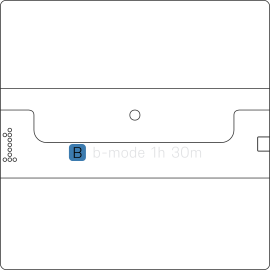
primary mode label plus cycle length. always paired to the active profile.
7.2. pos badge (l)
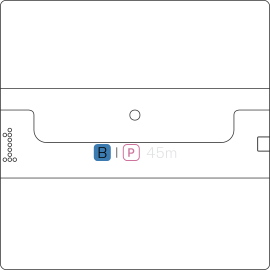
pos replaces the normal badge with overrun status. draws attention to a exceeded target.
7.3. ext badge (l)
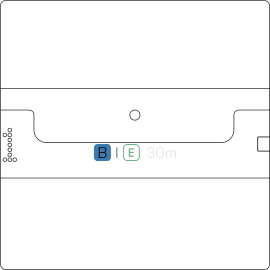
ext overlays extension status while keeping the base mode context. white duration shows the extended time.
7.4. ring indicator (s)
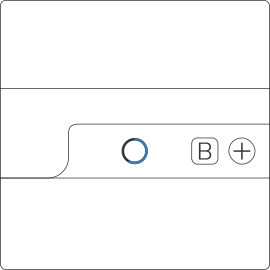
progress ring tracks remaining time and is used only in slim form. in pos state it is replaced by the pos badge.
8
gestures & behaviors
8.1. collapse / expand
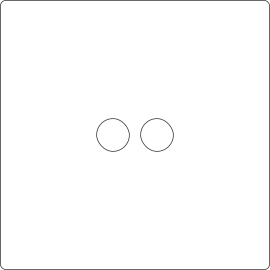
switches between compact and large forms. state is preserved per mode.
8.2. swipe
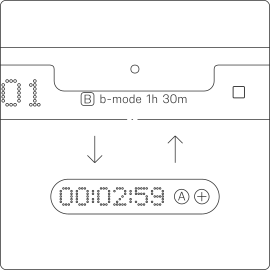
gesture shortcut for collapse/expand. mirrors the control button. swipe toward yourself to expand, and away from yourself to collapse.
8.3. set reminder
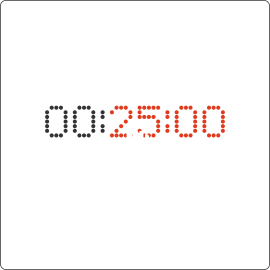
drag gesture on digits to set a reminder. applies immediately on release.
8.4. reminder badge
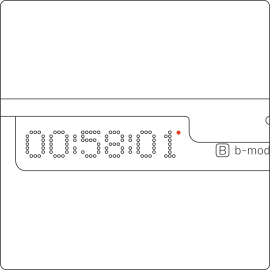
dot marker indicating an active reminder. visible in compact forms.
8.5. hover badge (s/p)
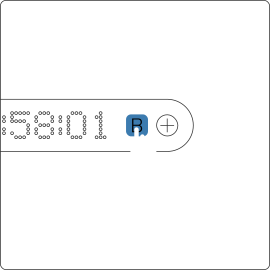
hover reveals the next mode letter for a quick preview. click switches to that mode.
D
logs console
9
primary display
9.1. access / entry point
opened from the main timer view via long‑press. does not interrupt or reset the running cycle.
9.2. ratio badge
shows mode-a/mode-b balance for the active profile. updates from local stats only.
10
day page
10.1. day list
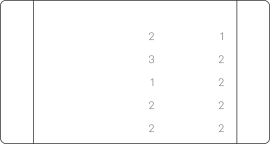
chronological list of daily totals. each row shows date plus mode time and cycle count.
10.2. day list header
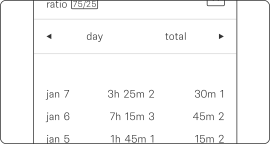
column labels define the row format. a/b = first letter of mode name, t = time, c = cycles.
11.1. metrics
aggregated totals across all sessions. used for long‑term overview.
11.2. metrics header
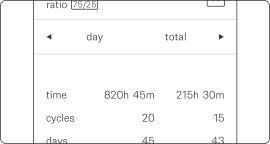
labels for total metrics and units. aligns with the summary rows.
11.3. reset control
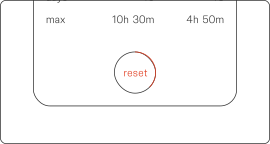
long‑press to clear stored stats. requires a full hold to confirm.
E
configuration
12
primary display
12.1. profiles
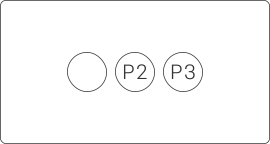
selects the active profile slot. each profile keeps its own names, durations, and options.
12.2. balance badge
shows the mode-a/mode-b ratio for the active profile. reflects local stats only.
13
logic page
13.1. modes group
13.1.1. a/b mode
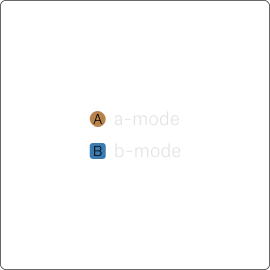
default mode labels are a‑mode and b‑mode. the letters map directly to the two mode slots and are used across the interface.
13.1.2. mode name
press the badge next to the name to edit it. the label is used across the app, and the badge letter is derived from the name. six symbols max.
13.1.3. mode duration
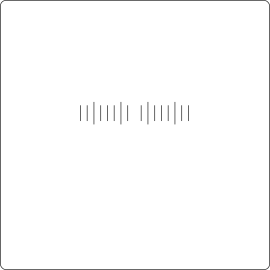
sets the base cycle length using the scrubber. drag to adjust; release commits the value for the selected mode.
13.1.4. mode presets
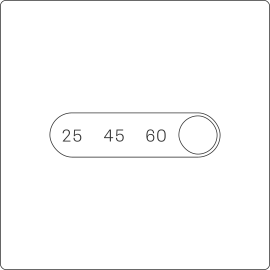
provides quick duration templates. applying a preset replaces the current duration.
13.2. behavior group
13.2.1. auto cycle
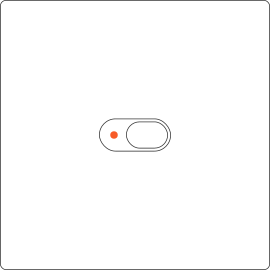
automatically advances to the next mode on completion. manual stop flow is bypassed while enabled.
13.2.2. mode count
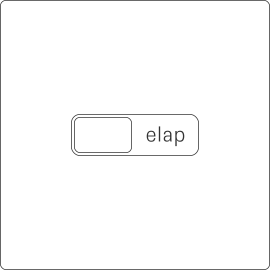
selects how cycles are counted: remaining cycles (rem) or elapsed cycles (elap). this sets how the timer progresses and when auto‑switch triggers.
13.3. pre-end group
13.3.1. warning
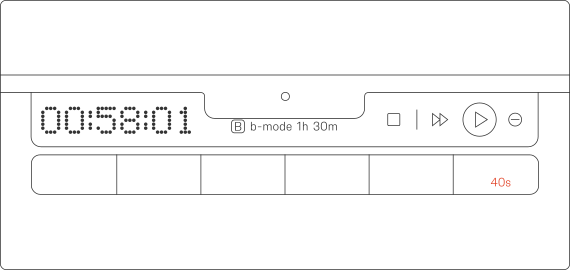
enables a pre‑end interactive alert. sys triggers an actionable native notification. flo triggers a custom floater. works for both modes using the same timing rule. if selecting flo triggers a system notification, grant accessibility access and restart the app. when the timing console, log console, or configuration is open, sys is used instead.
13.3.2. before end
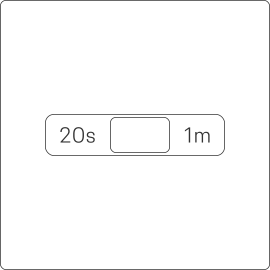
sets the lead time for the pre-end interactive alert.
13.4. idle group
13.4.1. idle reset
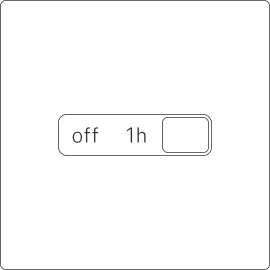
resets the timer after inactivity. prevents stale or abandoned sessions. resets to mode a.
13.4.2. auto pause
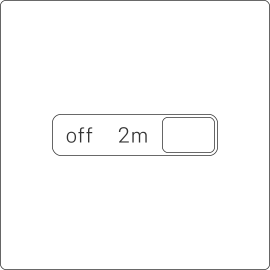
pauses the timer when idle is detected. preserves elapsed time without stopping the cycle.
13.4.3. applies to
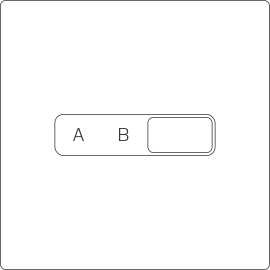
chooses which modes respect idle behavior. options include a-mode, b-mode, or all (both).
14
view page
14.1. display group
14.1.1. theme
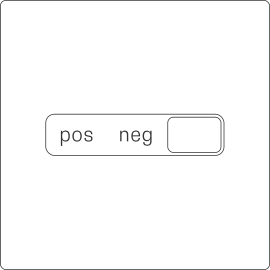
sets the interface color theme. system, light, and dark are supported.
14.1.2. digits
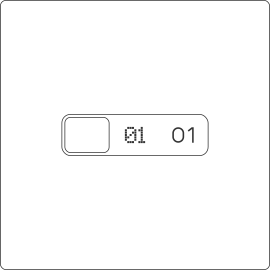
selects the digit style set. affects all time readouts globally.
14.2. floater group
14.2.1 show in a/b mode
enables the floater per mode. can be limited to a-mode or b-mode only.
14.2.2. collapsed form
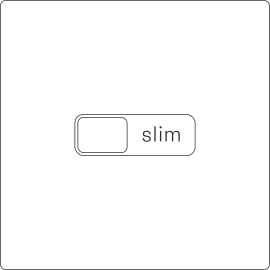
chooses the compact form style. options are pill or slim.
14.2.3. swipe gesture
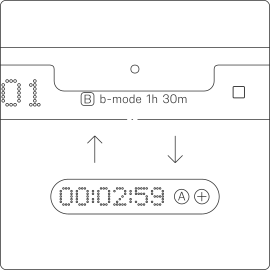
enables swipe collapse/expand. works only in the floater.
14.2.4. blinking colon
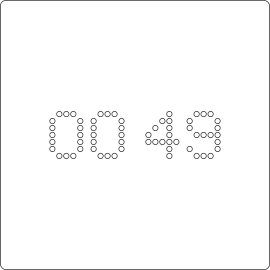
toggles colon blink on the floater. cosmetic only, no timing impact.
14.2.5. digits ghosting
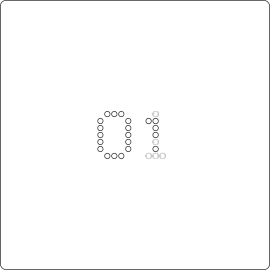
toggles digit ghost animation. softens transitions between digits.
15
core page
15.1. alerts group
15.1.1. notifications
master switch for system notifications. required for any alert delivery.
15.1.2. mode change
sends an alert on each mode transition. uses the system notification center.
15.1.3. hourly chime
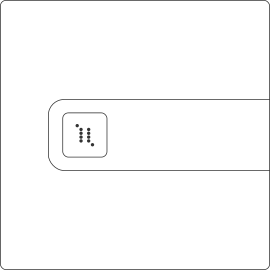
plays a chime every hour while running. provides a time‑passage marker similar to a classic wall clock.
15.2. sound group
15.2.1. alert sound
toggles alert audio output. applies to all notification events.
15.2.2. click sound

toggles interface click feedback. affects buttons and toggles.
15.2.3. haptics
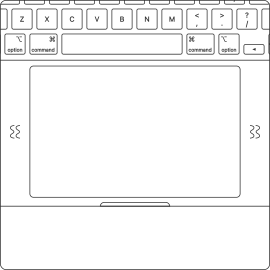
toggles haptic feedback. used for holds and confirmations.
15.3. global group
15.3.1. hotkeys
master switch for global hotkeys. requires accessibility permission to work.
15.3.2. play/pause
global shortcut to toggle run state. works from any app.
15.3.3. next cycle
global shortcut to skip to next mode. switches immediately on press.
15.3.4. show/hide
global shortcut to show timing console. does not change the timer state.
15.3.5. form state
global shortcut to expand or collapse the floater. preserves the current mode.
15.3.6. login launch
starts interval at system login. runs in the background.
15.3.7. auto start
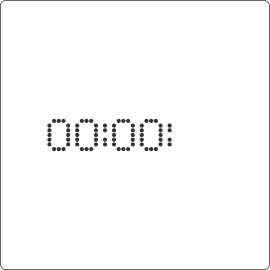
starts the timer on app launch. uses the last active mode.
15.3.8. time auto-hide
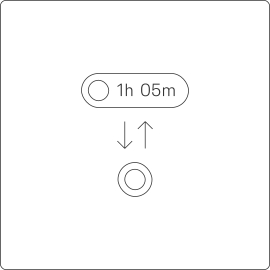
leave the toggle enabled if you want to avoid duplicate time in the tray when the floater is enabled for the current mode.
15.4. license group (direct only)
15.4.1. refresh control
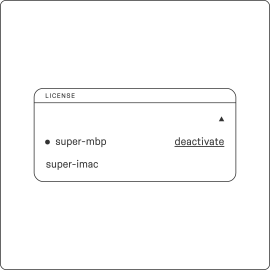
forces a license recheck. updates local license status.
15.4.2. devices
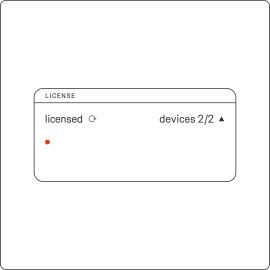
lists devices linked to the license. used for identification and management.
15.4.3. deactivate
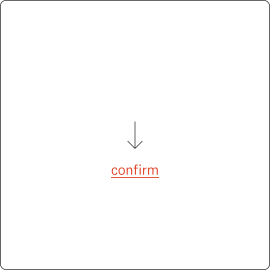
removes this device from the license. requires confirmation.